Using "Browser Use" Web UI
Thoda fun, Thoda magic!

Another weekend tinkering with AI (or I should say, overcoming weekend laziness).
This weekend i went to explore - Browser Use (an alternative to ChatGPT Operator when you do not have $200 to spare). All thanks to the creators of Browser Use.
If you know basics of CMD and fundamental Python, installing BU is just a cakewalk (or pizzawalk, is that a word? ;)). Here’s my 5-step process to help you -
Installation guide - You can simply leverage the instructions provided here on GitHub - browser-use/web-ui: Run AI Agent in your browser. Ping me in case you get stuck somewhere.
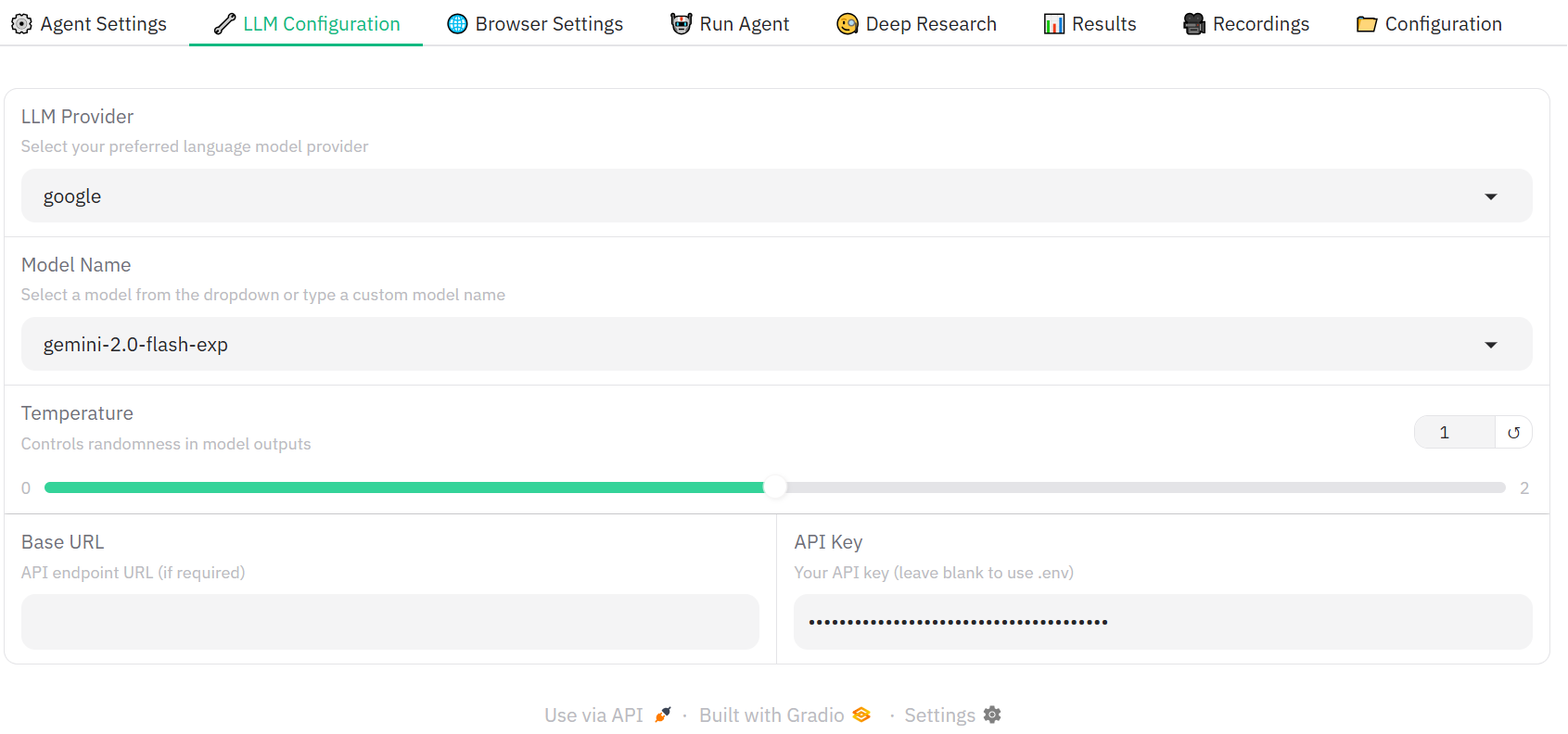
LLM Selection - Once you are able to install BU, simply configure the LLM you want to use for your agents. I prefer Gemini 2.0 Flash, as it is faster and won’t take my data to China ;)
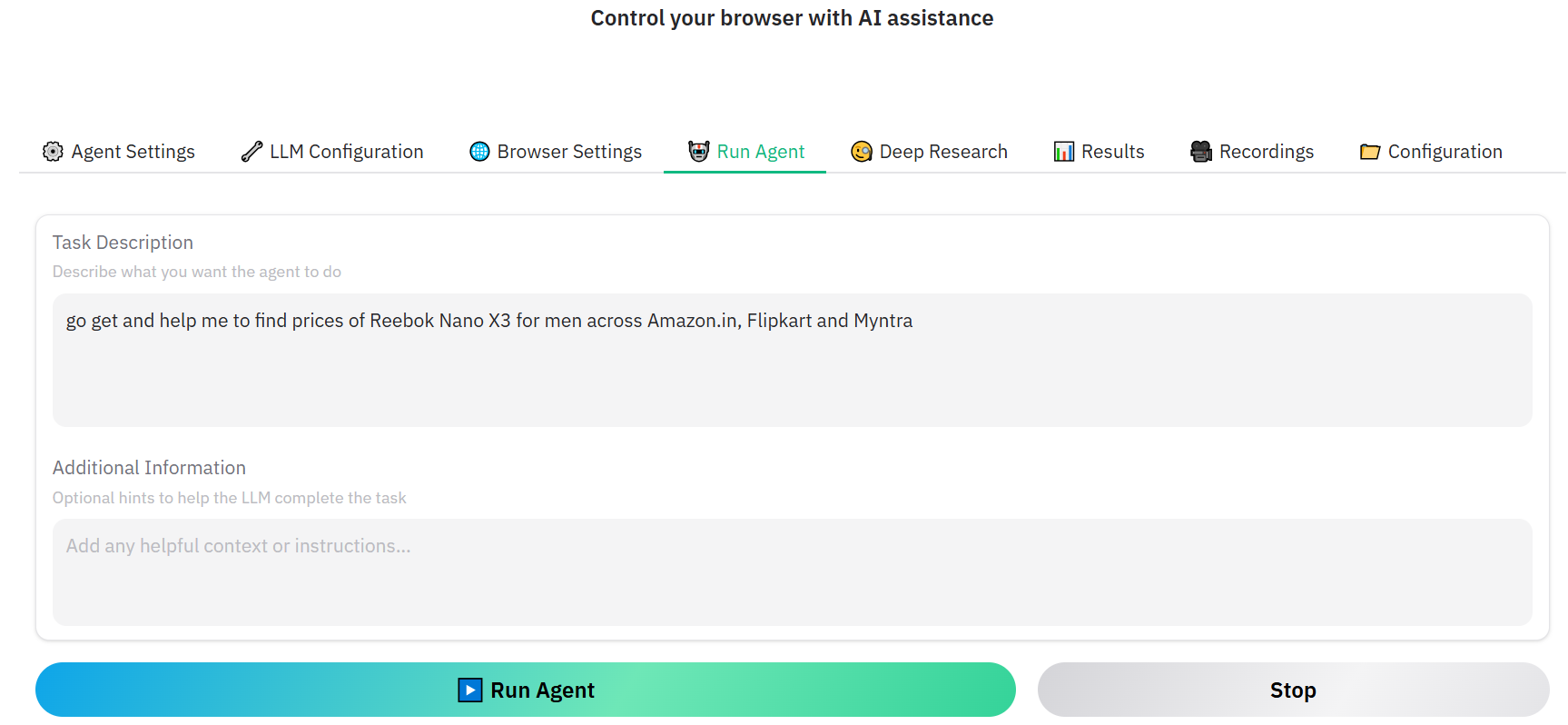
3. Write a Prompt - My CrossFit instructor is behind me to change my workout shoes as he thinks my overhead squats aren’t improving because of my shoes. Let me try asking the agent to find Reebok Nano X3 across amazon, flipkart, myntra. It’s a simple prompt just to find the best pricing across platforms.
Take a break < 2 mins - Drink water, coffee or watever you want to till your agents are going and finding relevant product, pricing for you
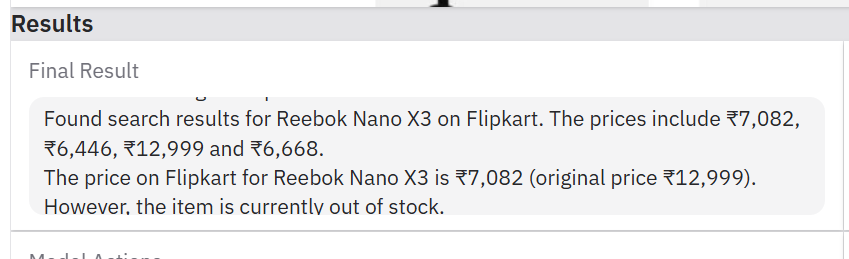
5. Results are ready - Tada! In less than 2 mins, agents are able to bring back all the data across 3 platforms, compare them and make the best recommendation.

Happy Tinkering!